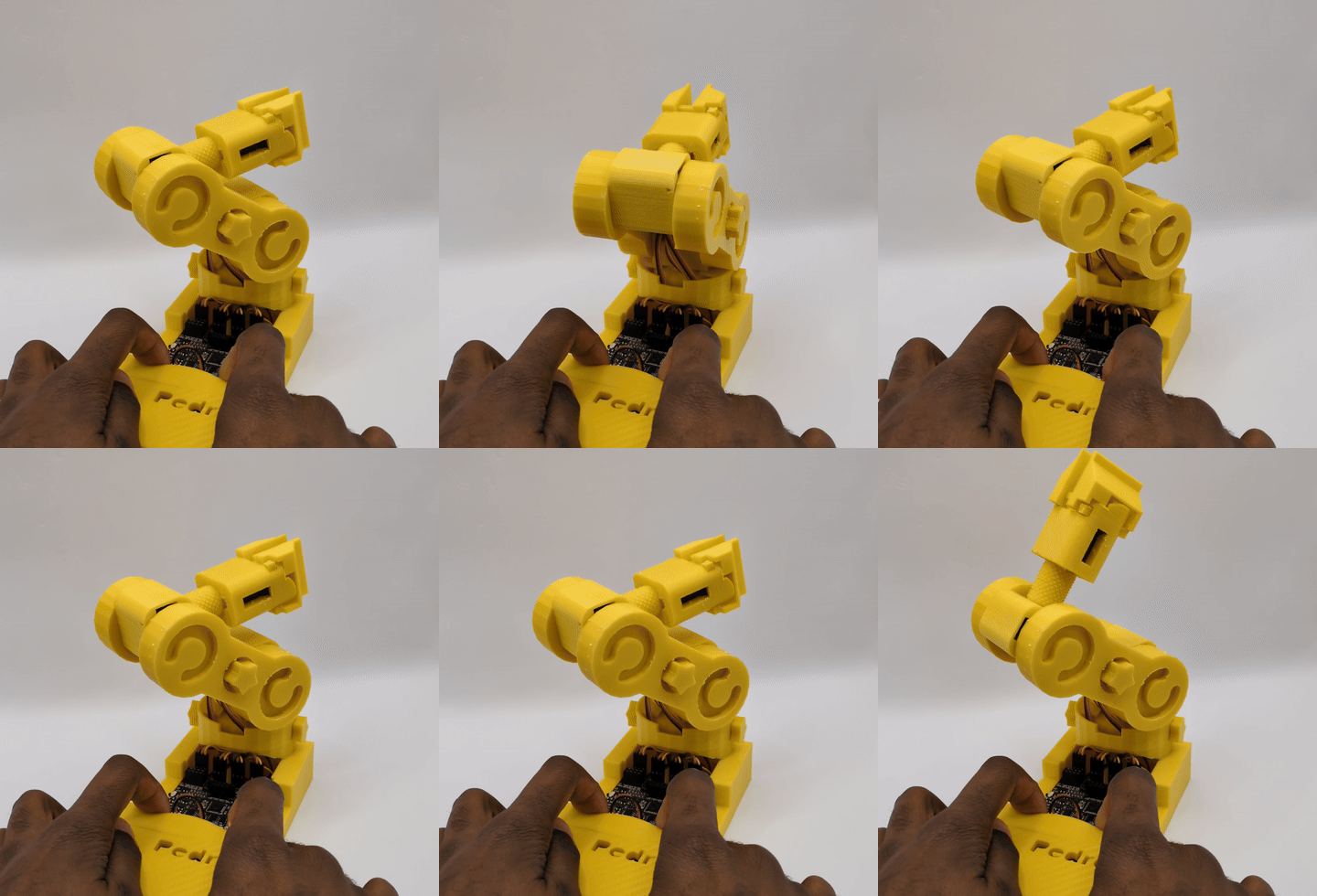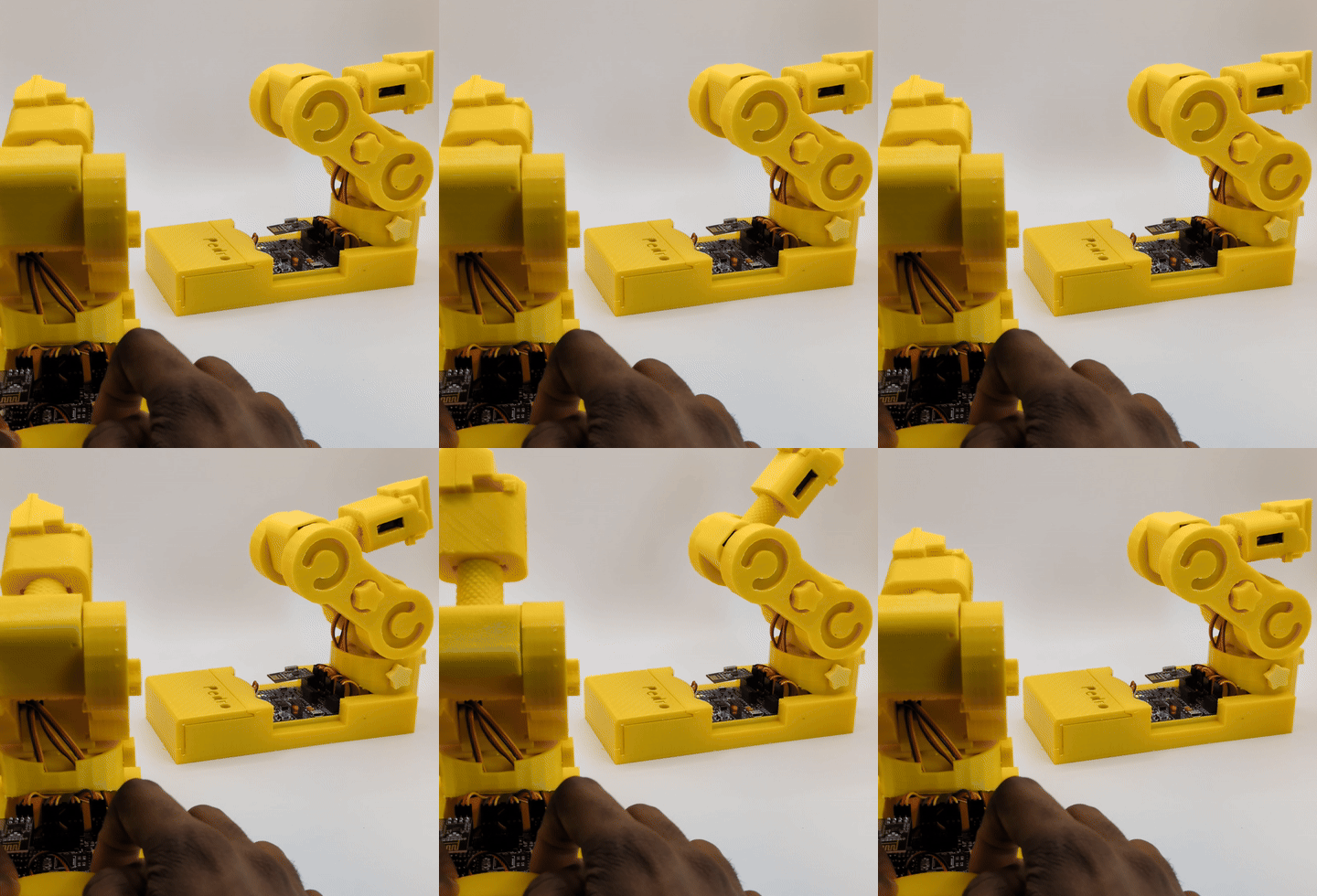


A complete STEM Program

Explore Robotics with the Pedro robot.

A hands-on 10-lesson STEM program where students explore electronics, programming and robotics communication protocols.

For Schools • Teachers • FabLabs

EXPLORE THE PEDRO STEM PROGRAM VIEW CLASSROOM KITs

 For beginner. No robotics experience required.

open​ source
3D PRINTING
EASY ASSEMBLY
Battery POWERED
STEM lessons
ARDU​INO COMPATIBLE
learning by doing

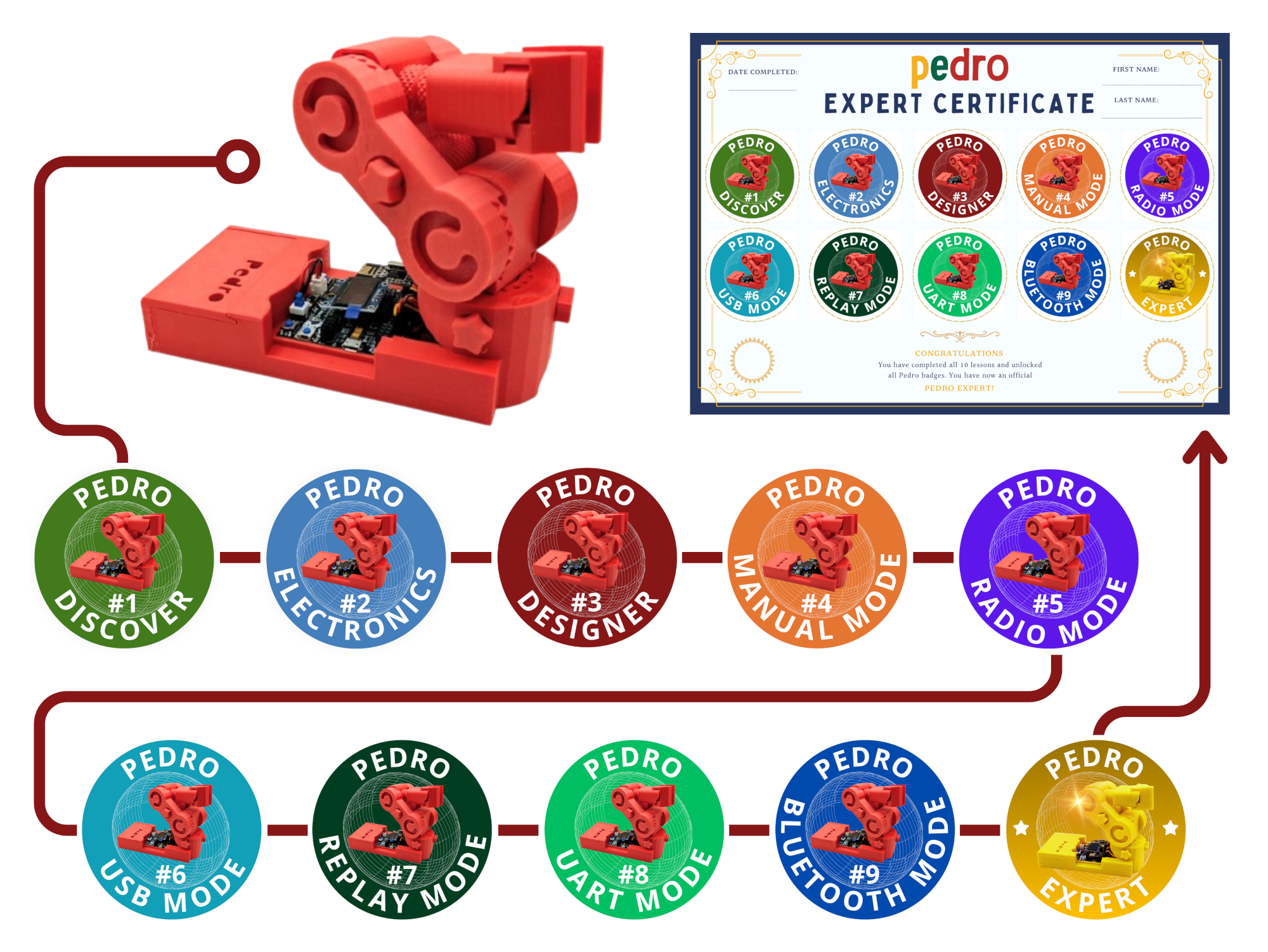
10 lessons • 10 badges • 1 Pedro Passport

The Pedro STEM Program allows students to discover robotics in a simple, fun, and hands-on way through a 10-lesson practical learning journey.

Design, assembly, programming, control, and communication protocols are the key topics covered throughout the Pedro STEM Program. Each lesson focuses on a specific theme and enables students to learn by experimenting directly with their Pedro robot.

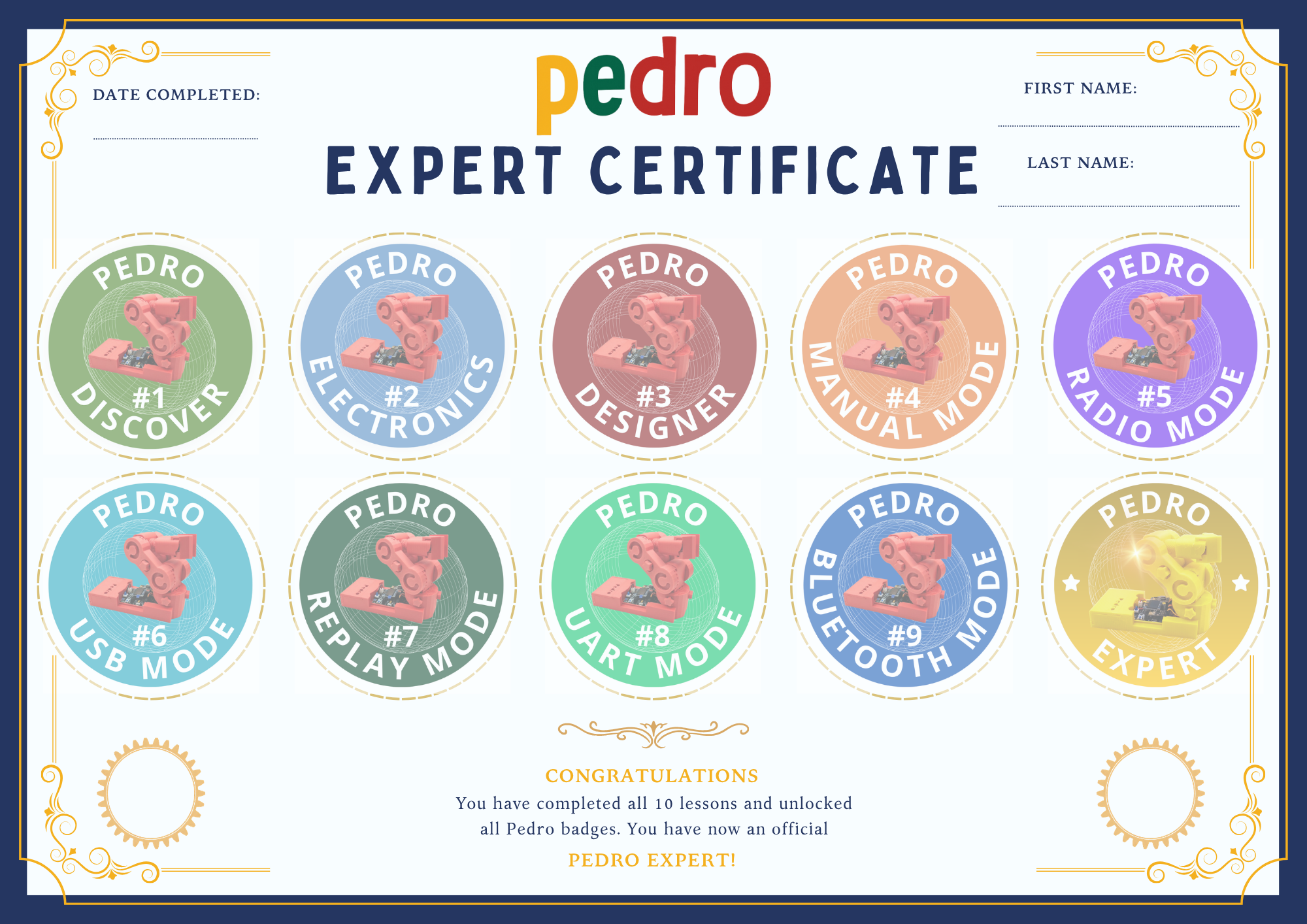
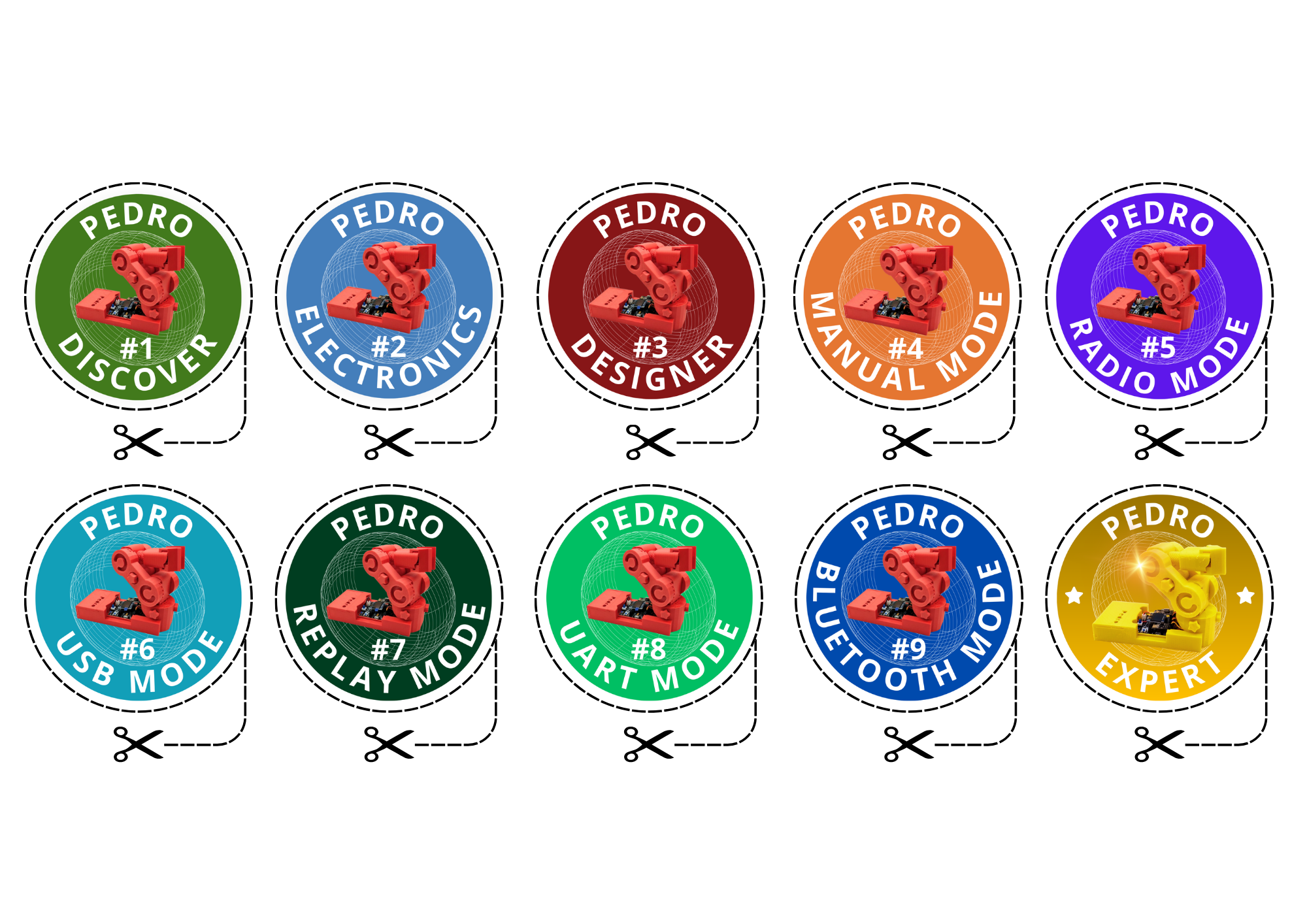
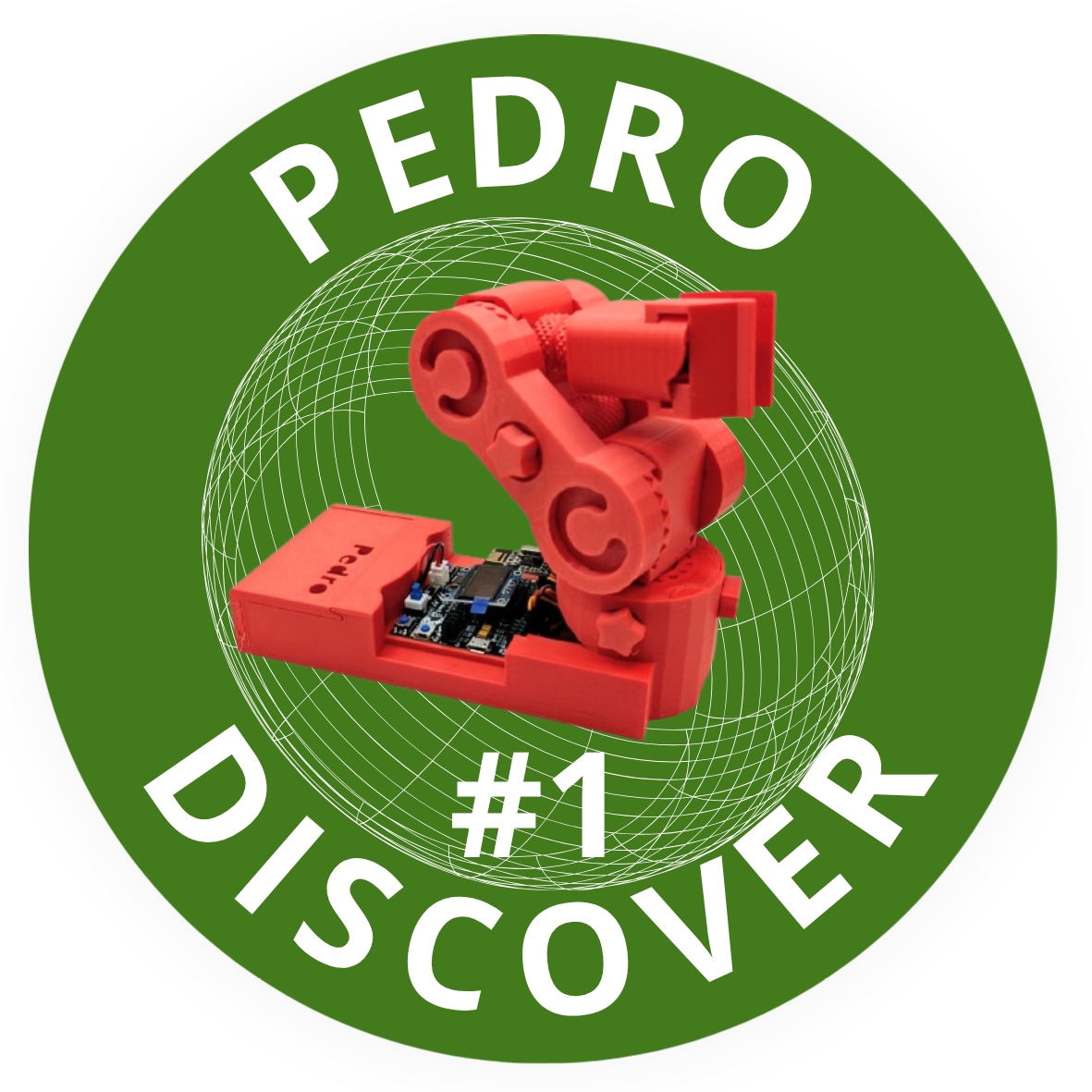
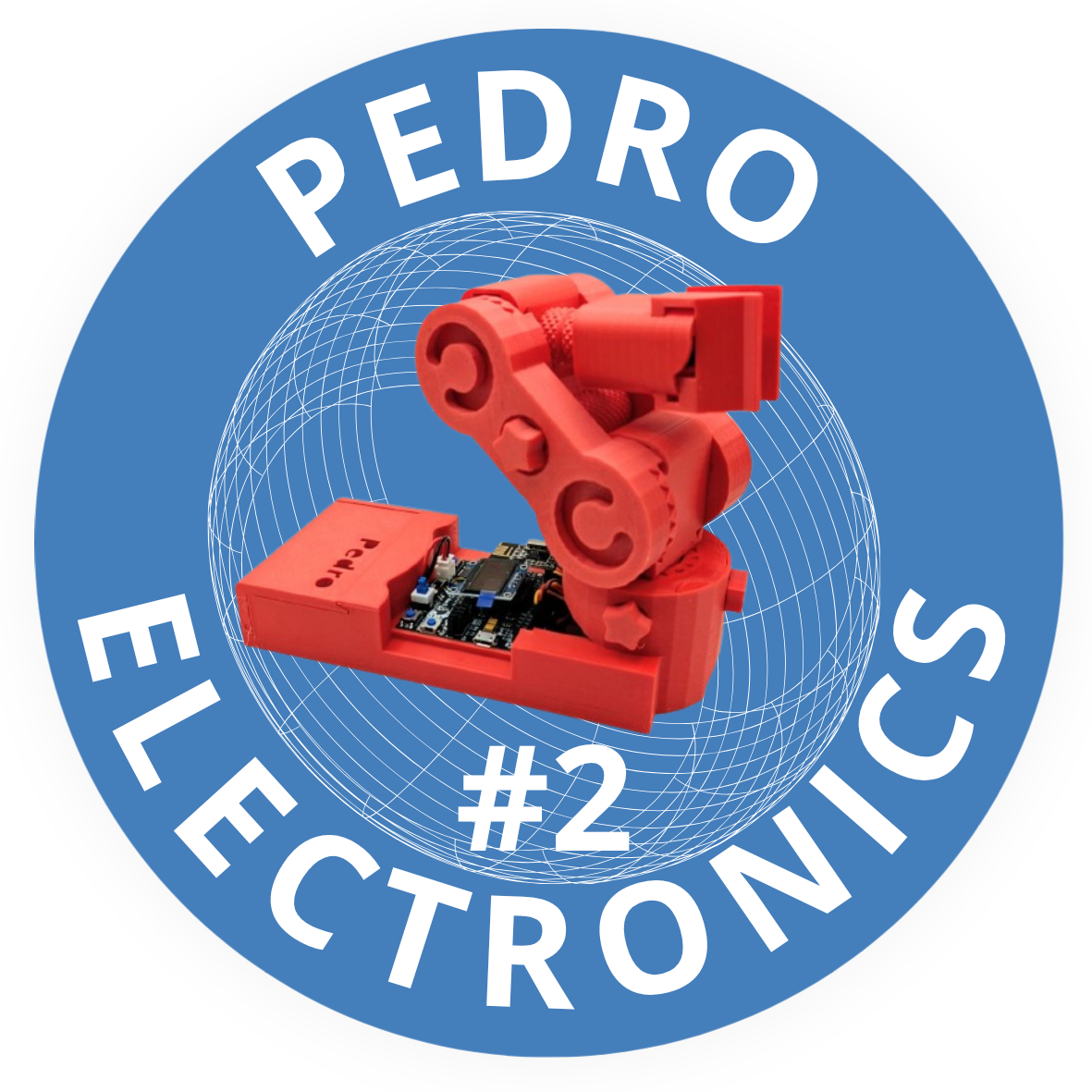
Thanks to this educational resource, the concepts introduced become easier to understand, explore, and put into practice.At the end of each lesson, students will unlock a Pedro Badge, rewarding the new skills they have acquired.

At the end of the program, students will be able to complete their Pedro STEM Passport and earn their official Pedro Maker qualification, recognizing all the skills they have developed throughout their STEM journey.

The STEM lessons are free and open source. Teachers can download them, adapt and contribute improvements to the project.

01 · Pedro Discover

Meet Pedro and explore the robot.

02 · Pedro Board

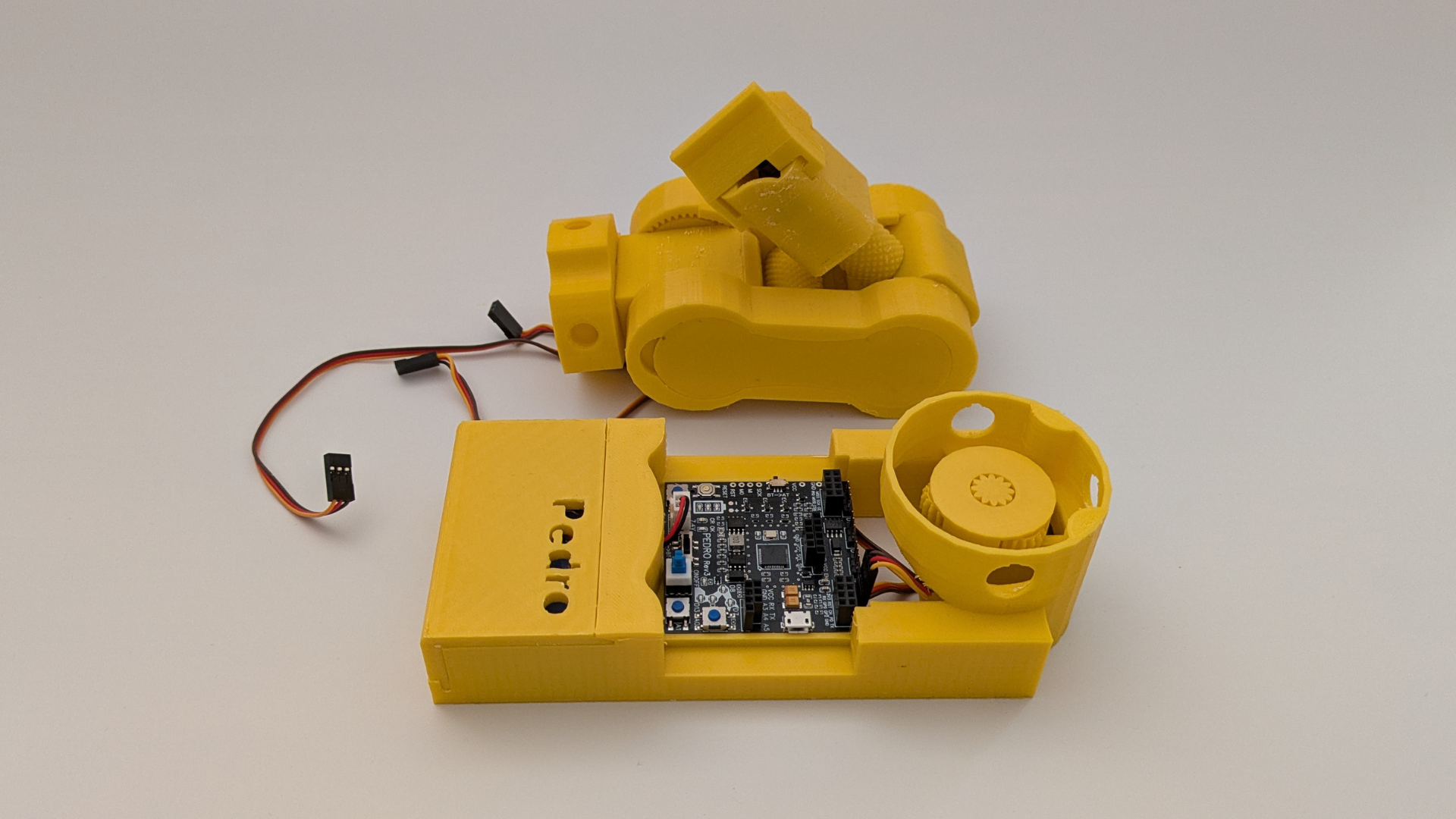
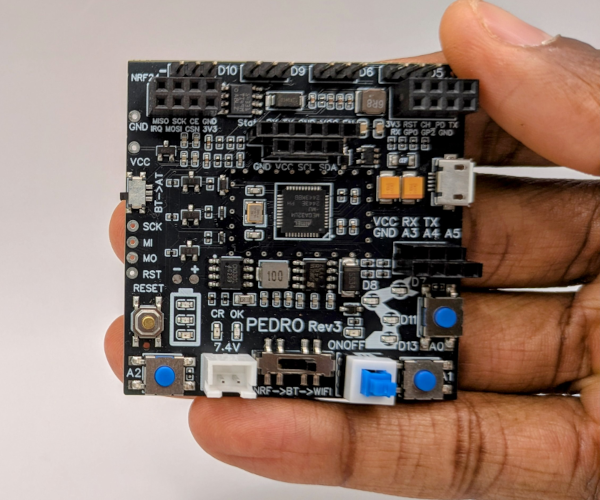
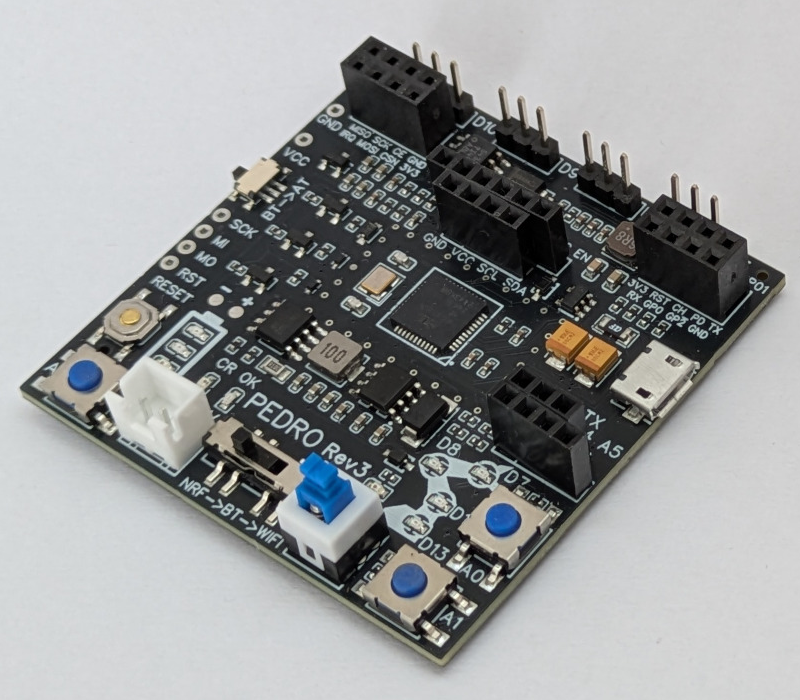
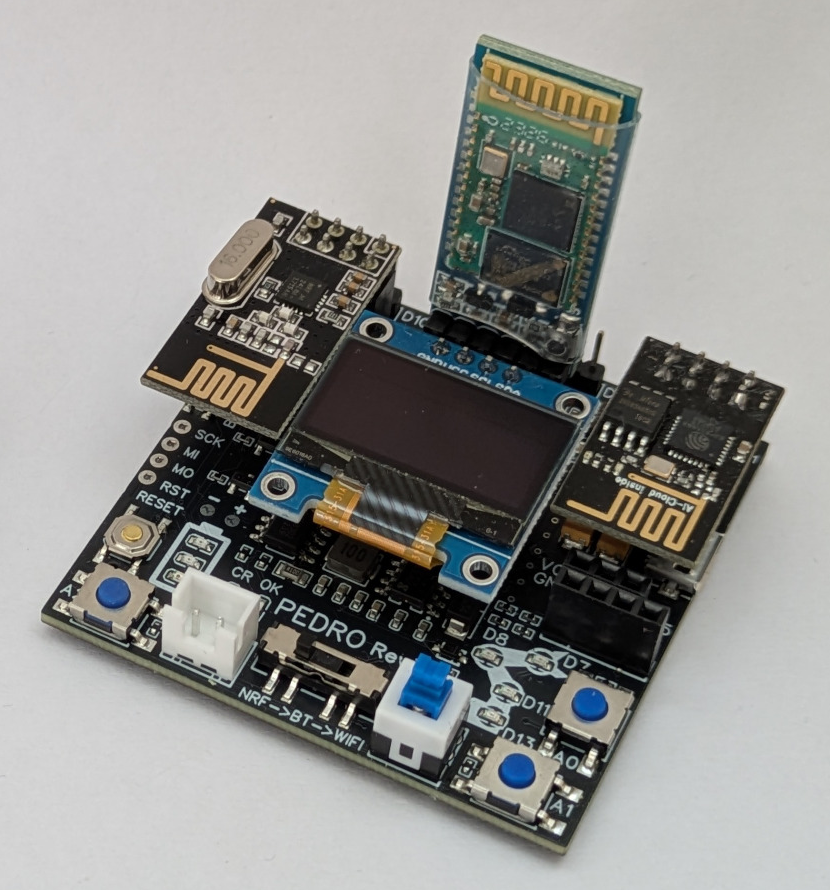
Discover the brain of the robot.

03 · Pedro Builder

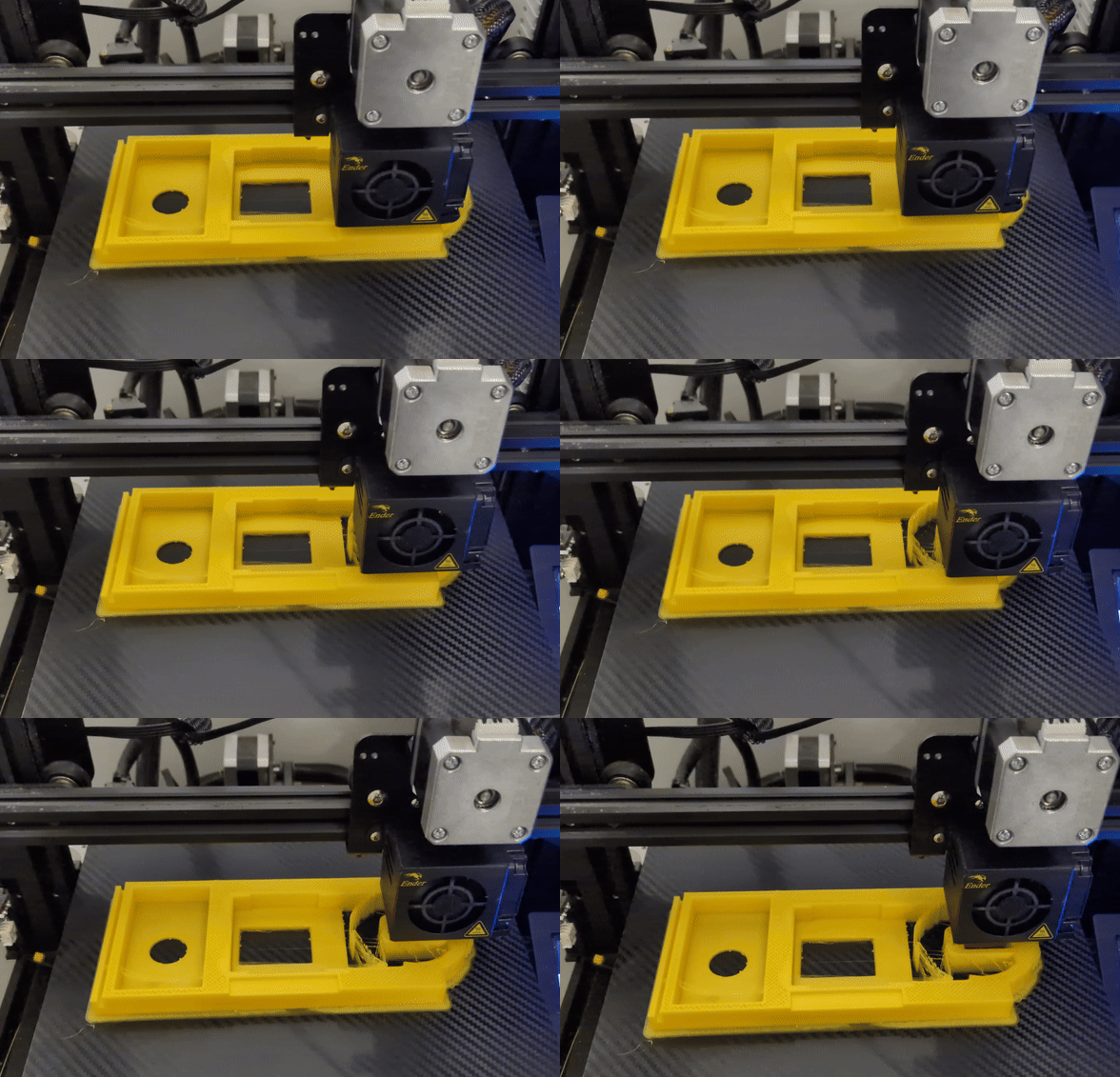
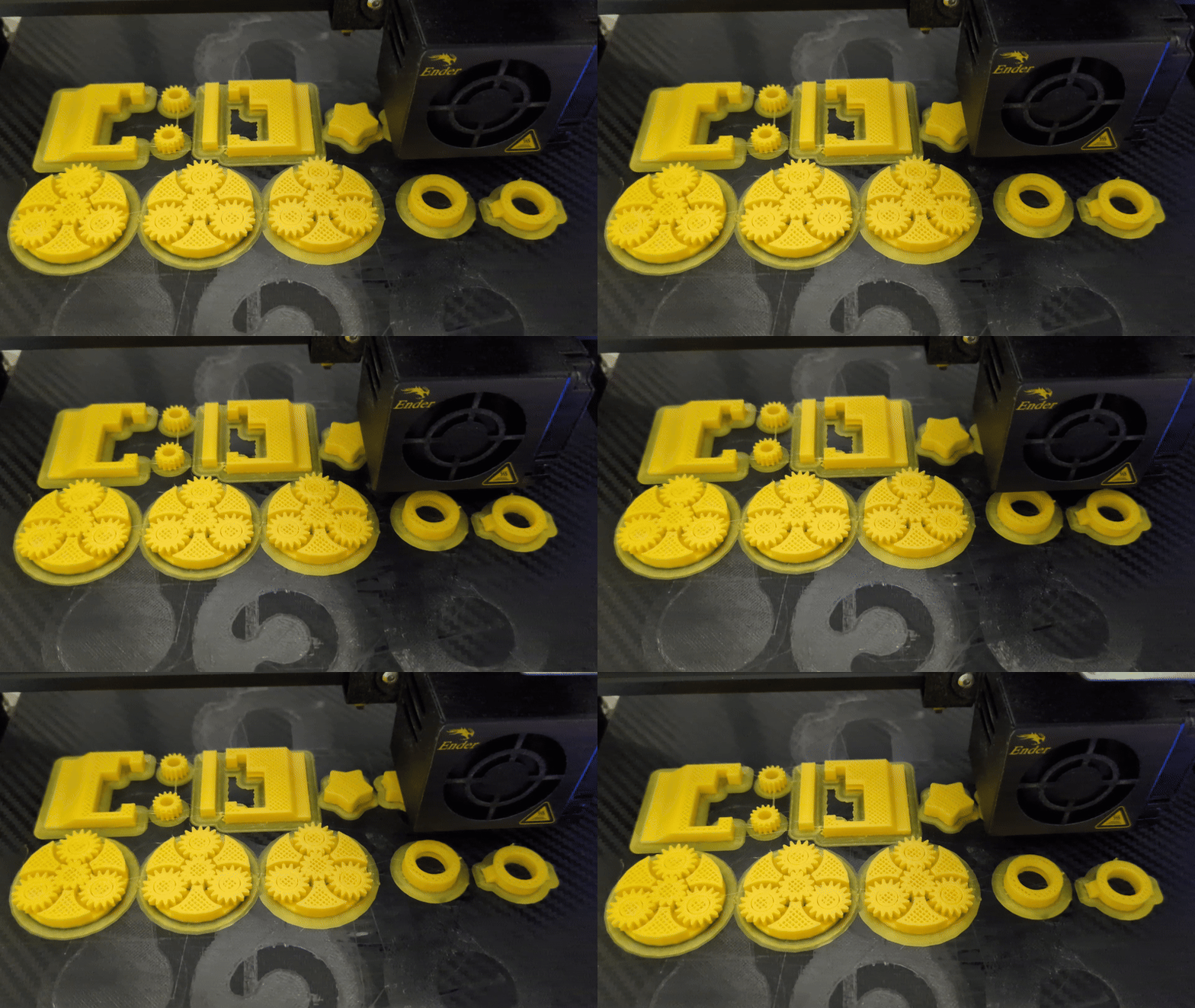
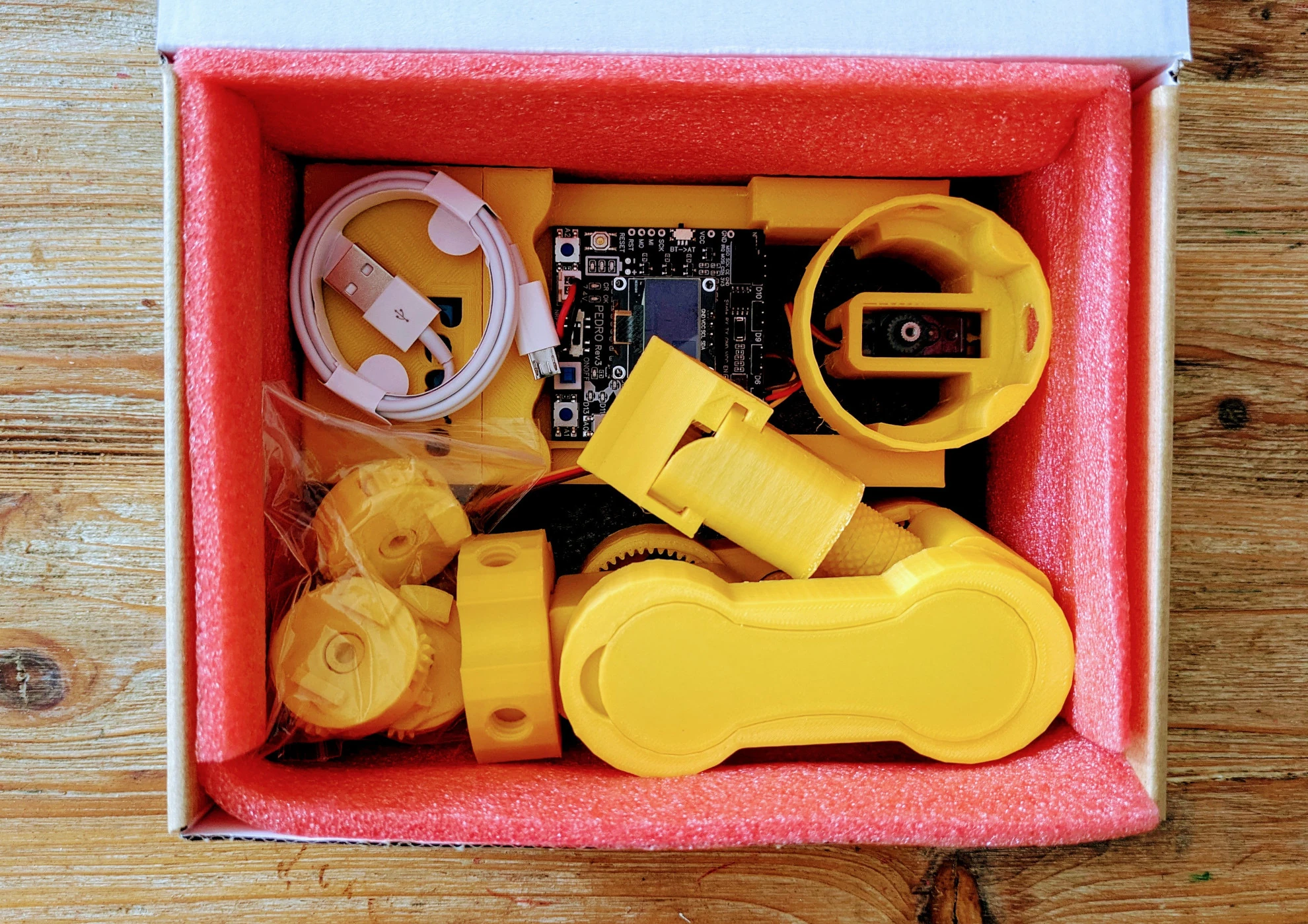
3D printing and assembly.

04 · Manual Mode

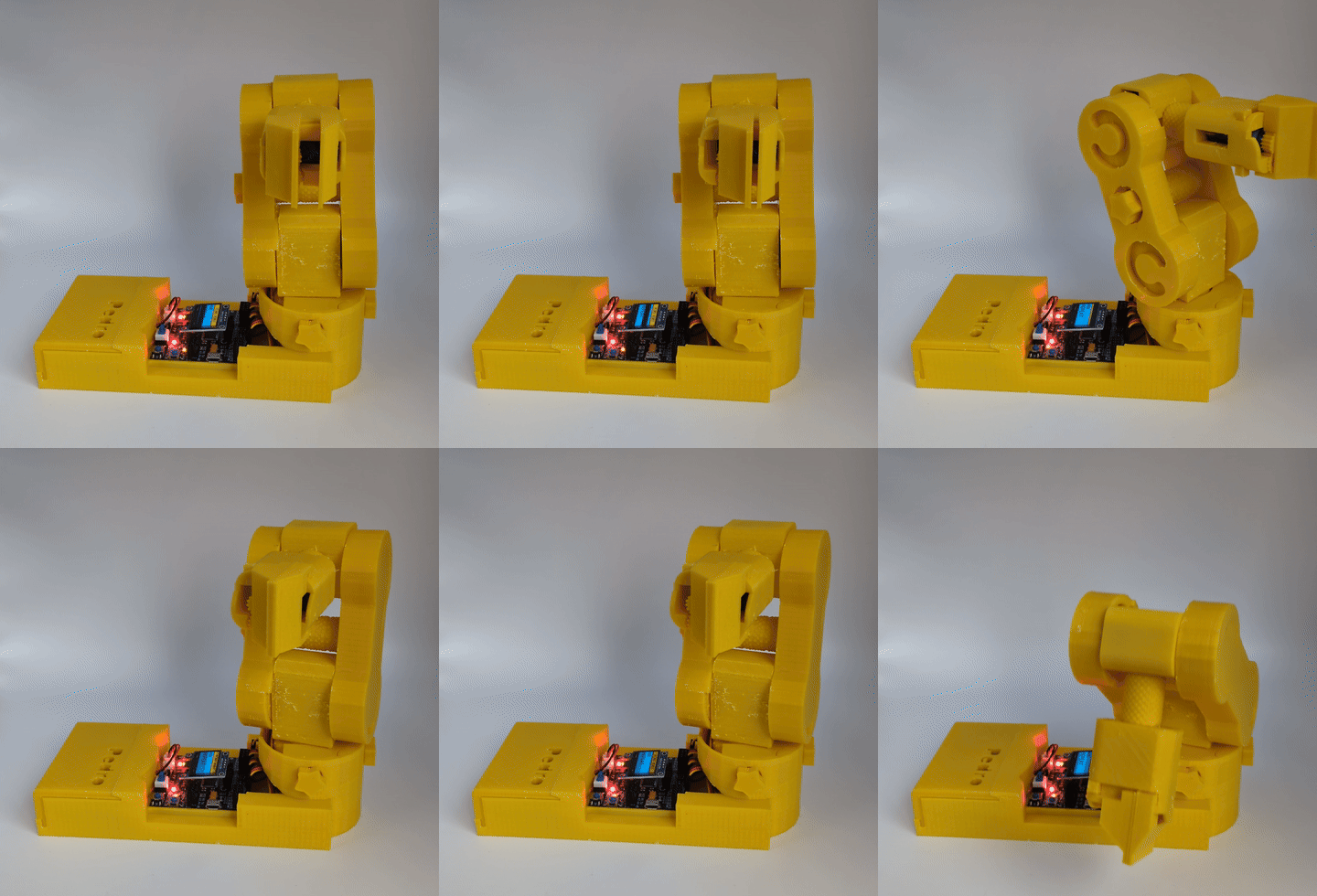
Control Pedro directly from the board.

05 · Radio Mode

Explore wireless communication.

06 · USB Mode

Connect Pedro to a computer.

07 · Replay Mode

Record and replay movements.

08 · UART Mode

Connect robots through TX/RX.

09 · Bluetooth Mode

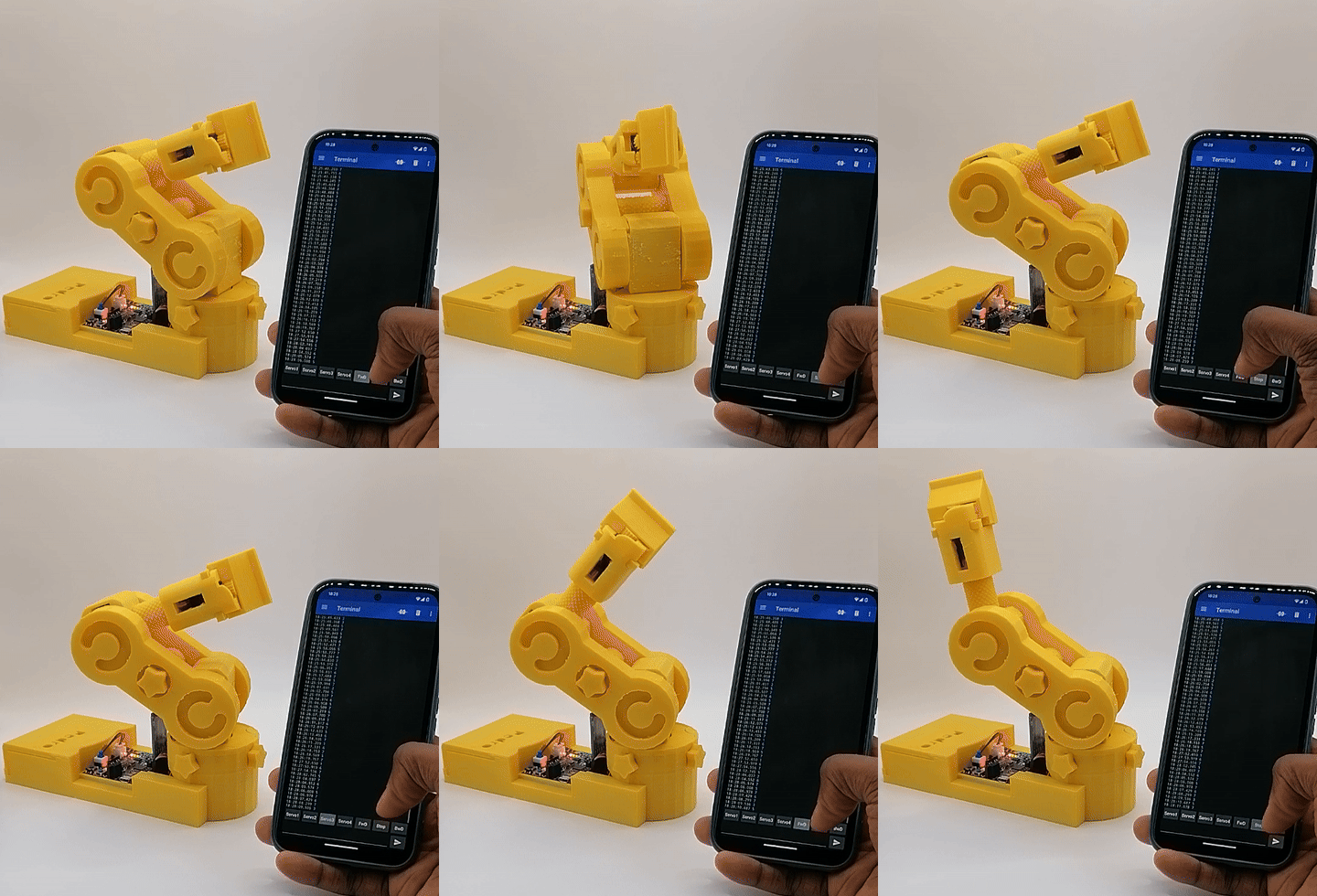
Control Pedro from a smartphone.

10 · Pedro Maker

Combine what you learned.

What Will Students Learn?

🔧 Build

Understand how a robot is designed and assembled.

⚡ ​Electronics

Explore how electronic components interact with software.

💻 Program

Control Pedro and experiment with code.

📡 Communication

Explore communication protocols, including Radio, USB, UART, and Bluetooth.

For schools & educators

Designed to Be Easy to Teach.

Pedro is more than a robot kit. The STEM Program gives teachers a structured path from the first build to real robotic communication.

10 structured STEM lessons
Hands-on activities and observation
Student reflection questions
Quizzes and learning validation
Pedro Badge & STEM Passport progression
No prior robotics experience required

EXPLORE THE pedro STEM PROGRAM
Bring Pedro to your classroom

Choose the Right Pedro Kit.

Start with a small group or equip a complete classroom.

Starter Kit

2 Pedro Robots

A compact starting point for small groups, workshops.

view kit
Classroom Pack

10 Pedro Robot

Designed for classroom-scale activities and group learning.

view kit
contact

Contact Pedro Team or join us on discord

Have a question about Pedro STEM, our robotics kits, or setting up a robotics workshop? Get in touch with us.

Open source ecosystem

Explore. Modify. Build Your Own.

Pedro is officially Open Source Hardware certified (UID: FR000025). This label guarantees transparency, reusability, and compliance with open-source standards ideal for schools and educators. 

As an open-source project, the entire Pedro ecosystem is available on GitHub. Each Pedro repository serves a specific role within the ecosystem.

EXPLORE PEDRO github

The Pedro GitHub Repositories

🖨️ Pedro 3D Files

3D printing files and assembly resources

⚡ Pedro Board

Electronics design, schematics and PCB files

💻 Pedro Firmware

Firmware and programming resources

🎓 Pedro STEM Lessons

Lessons, activities and teaching resources

pedro assembling

By The Robot Queen Vanessa Loiola ​👑

🌐 Seen on Socia​l Media

Pedro has been spotted in the maker community! Shared by platforms like Hackaday, DFRobot, Microchip, and more. Pedro is starting to get noticed by educators, makers, and tech enthus​iasts. Browse some of the posts and reactions we've collected from social media.

Questions?

Frequently Asked Questions

What is Pedro?

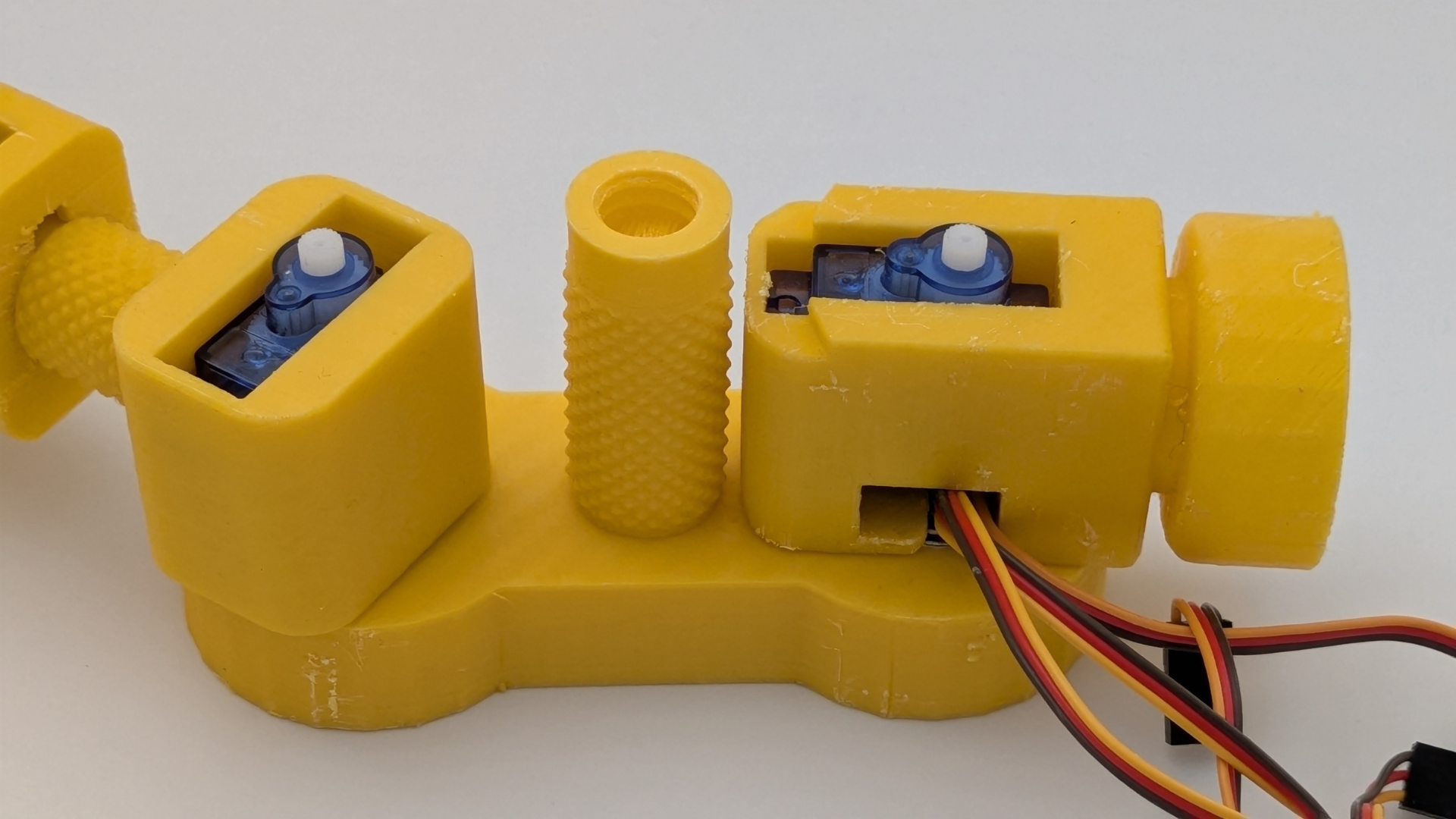
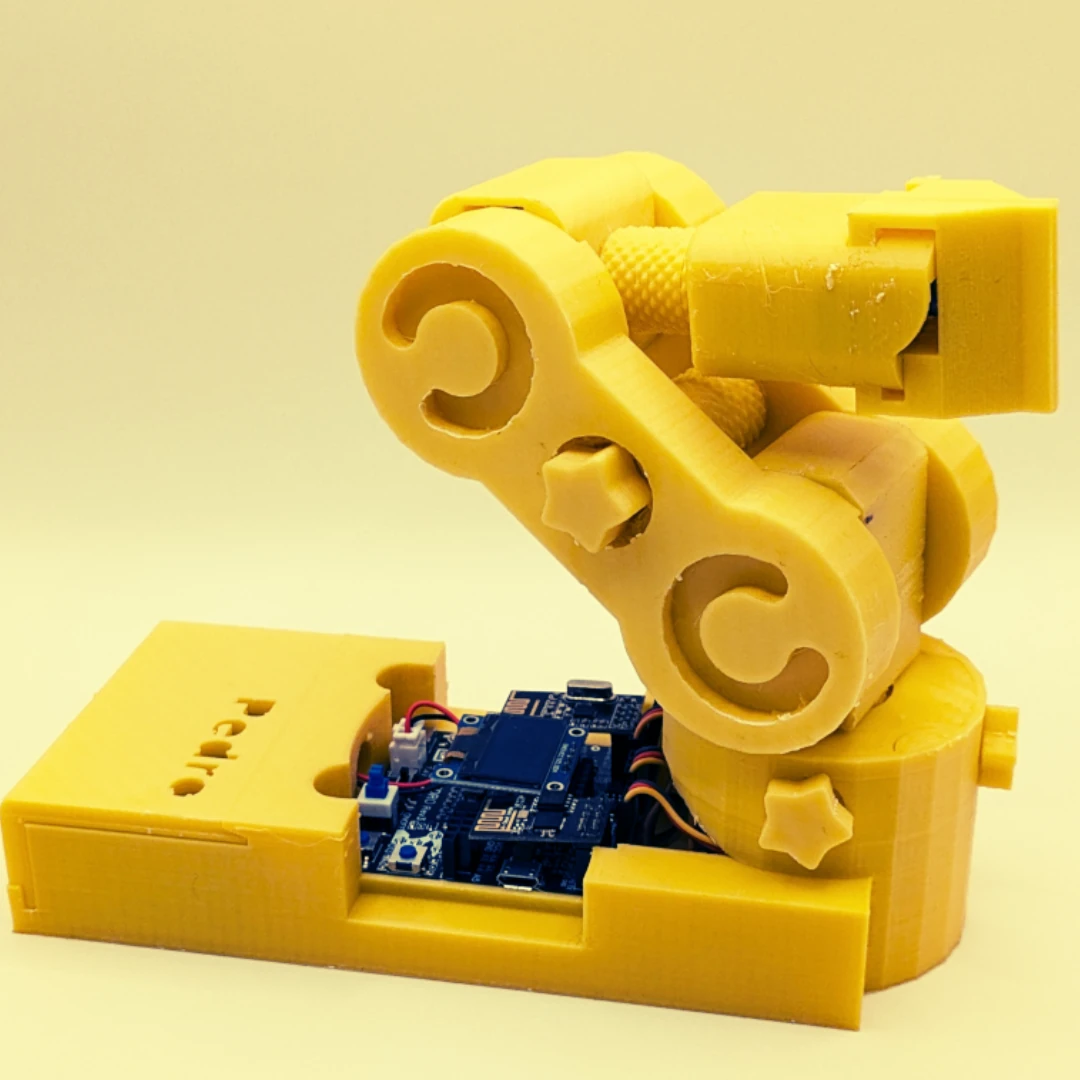
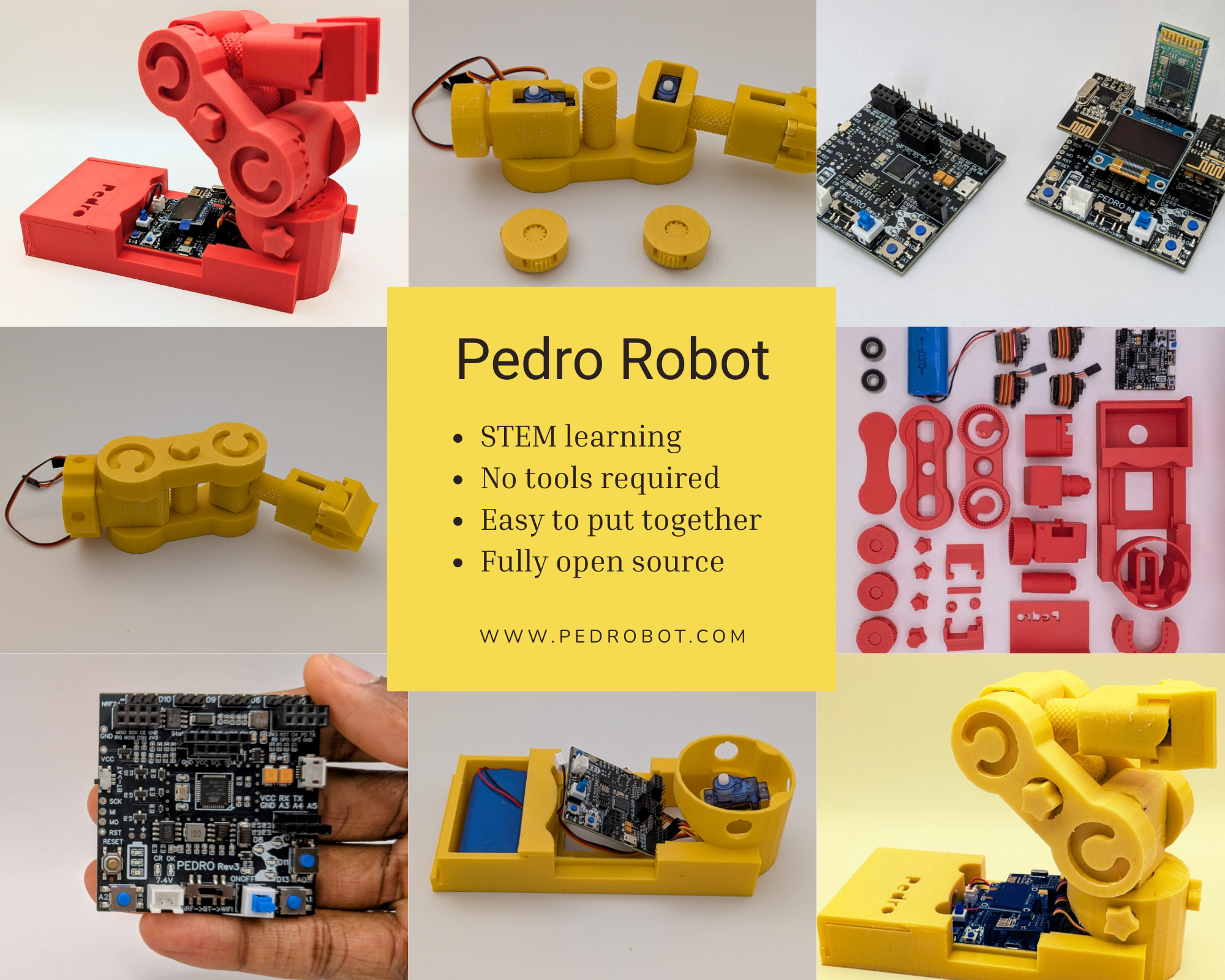
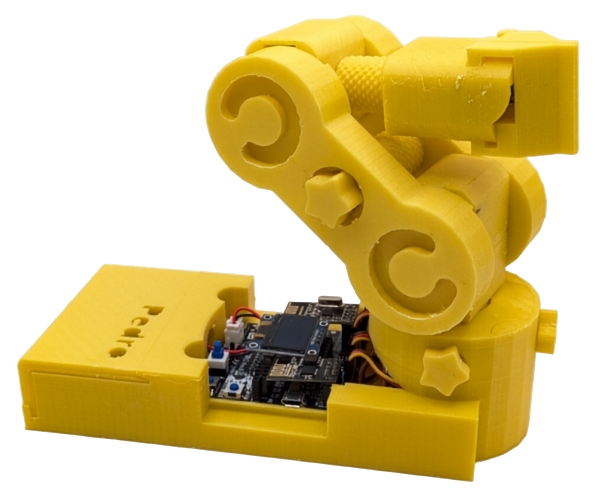
Pedro is an open-source, 3D-printable educational robot designed for learning robotics, electronics, and programming without the need for tools or prior experience.

Who is Pedro for?

Pedro is designed for schools, training centers, STEM programs, makerspaces, and individual learners. It's perfect for students, educators, and beginners in robotics.

Do I need tools to assemble Pedro?

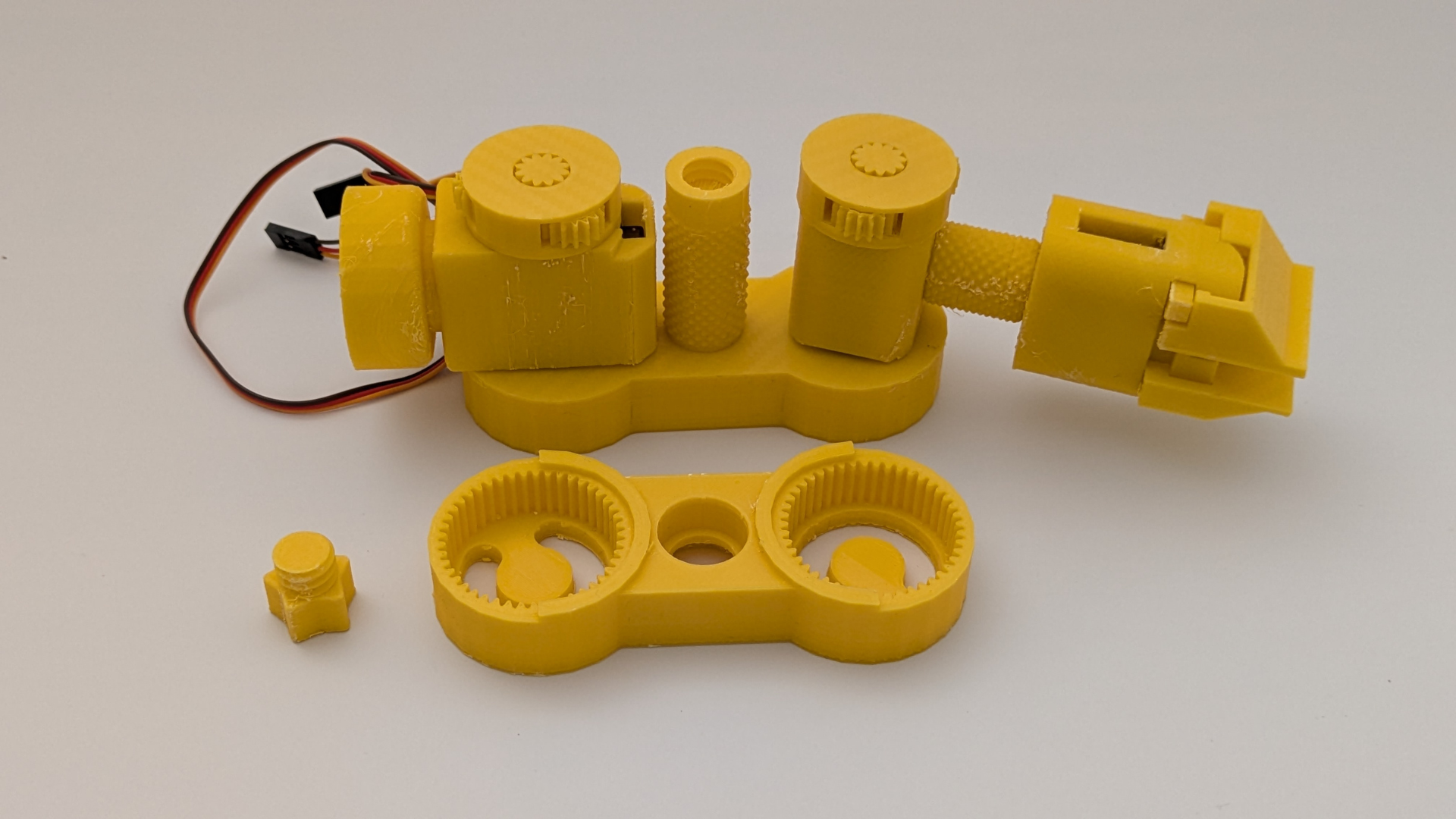
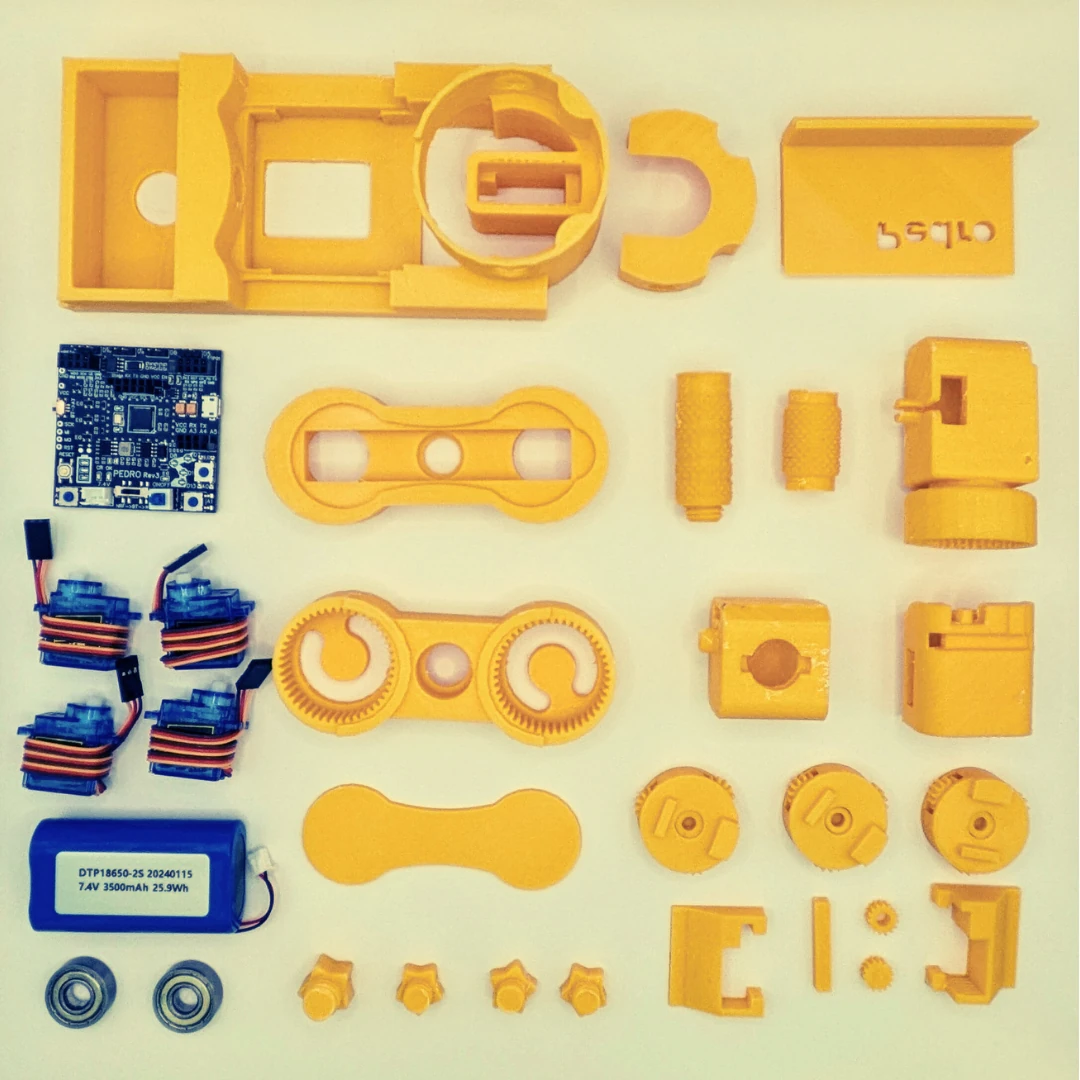
No! Pedro is designed to be assembled without any screws or tools. All components snap together easily, making it safe and fast to build ideal for classroom use.

Is Pedro open source?

Yes. Pedro is 100% open-source and officially certified by the Open Source Hardware Association (OSHWA – UID: FR000025 ). You can access and modify the hardware, software, and 3D files freely.

What programming platform is used?

Pedro is compatible with the Arduino platform. You can program it using the Arduino IDE, or via graphical programming tools like Scratch or Blockly for beginners.

Can I 3D print Pedro myself?

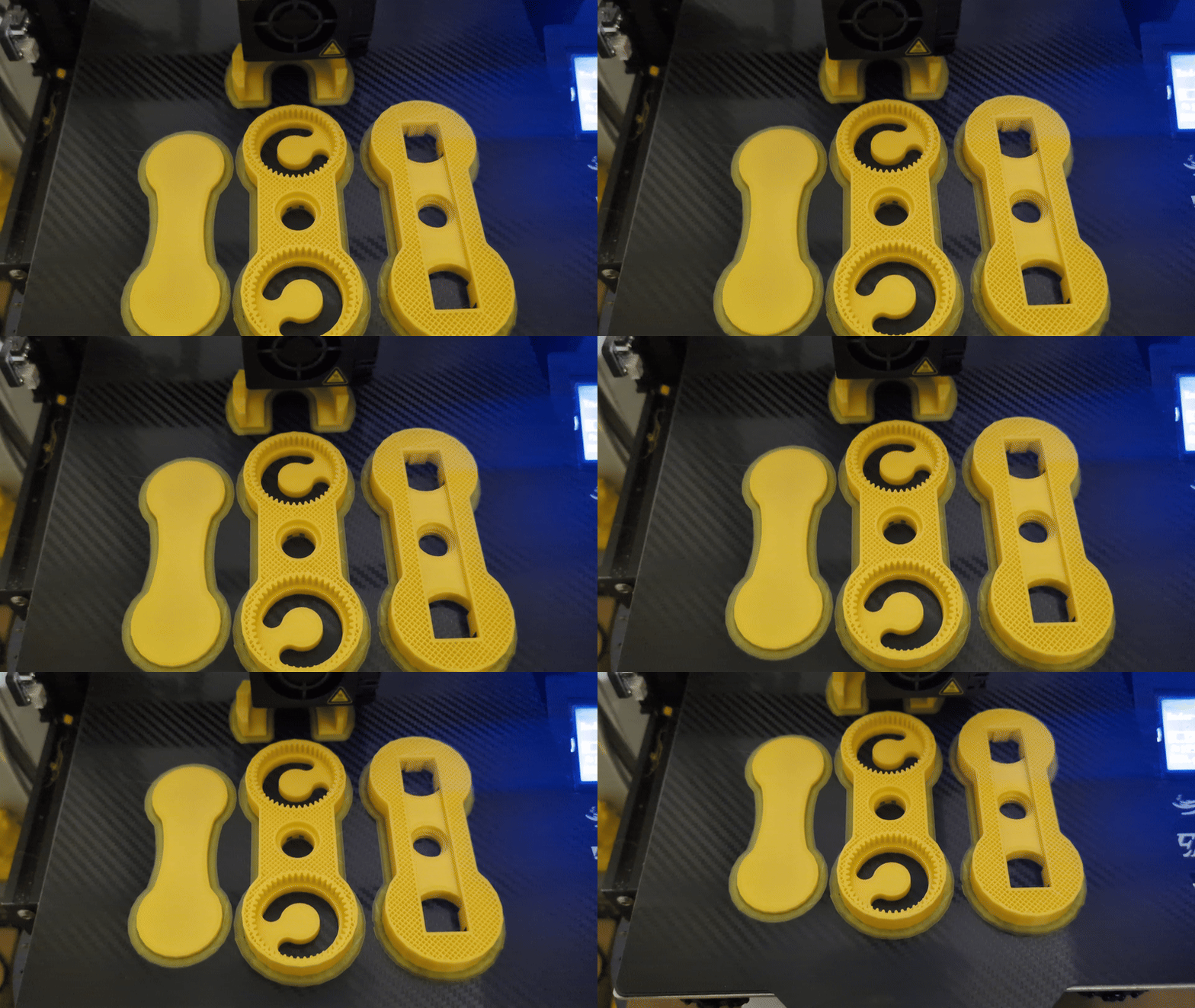
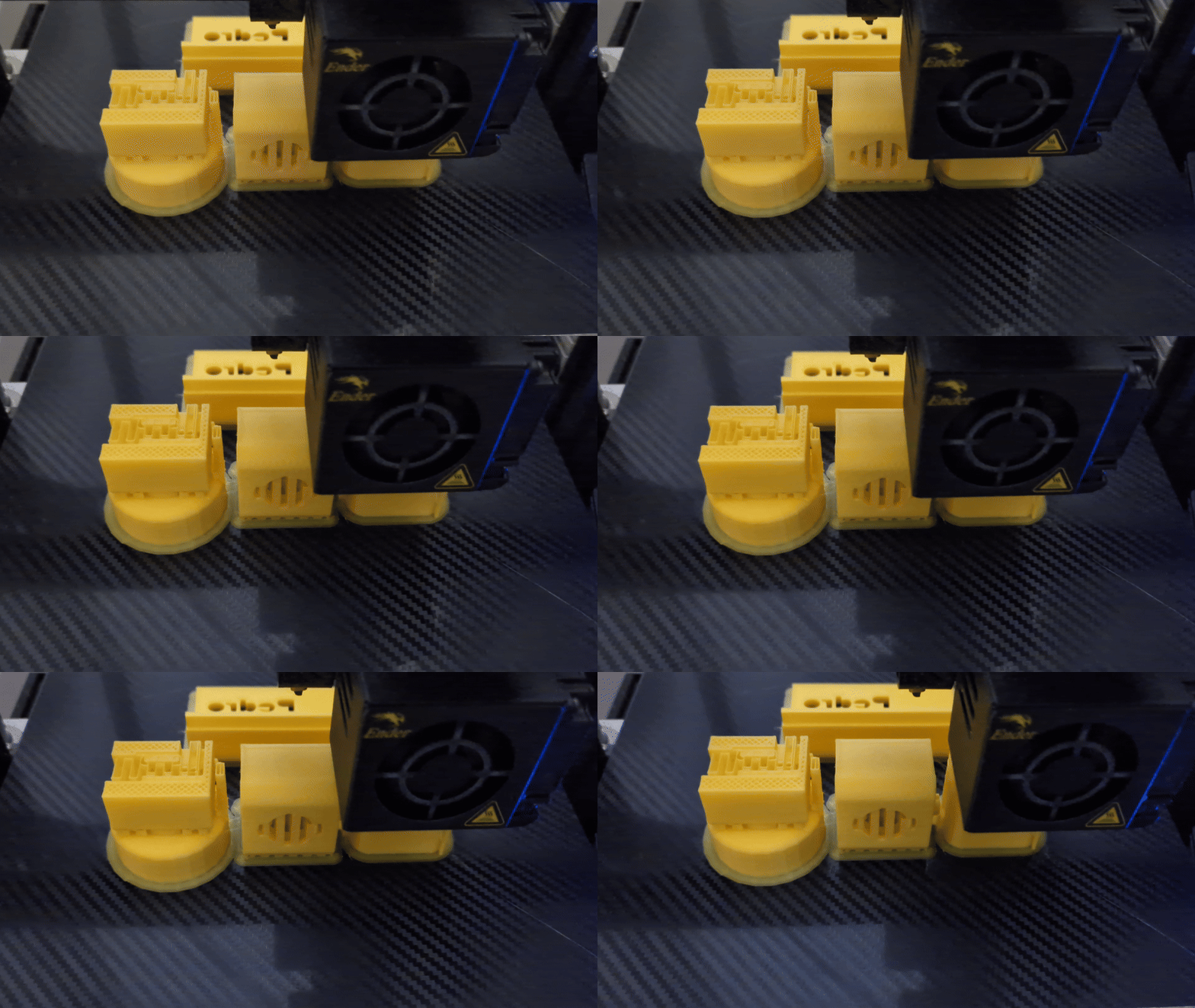
Yes. All STL files are available. Pedro is designed to be printed with standard desktop 3D printers using PLA or PETG.

Is it suitable for classroom use?

Absolutely. Pedro is built with education in mind it's safe, reusable, repairable, and flexible for various STEM curricula and workshop formats.

How do I buy Pedro?

You can contact us directly to purchase your Pedro kits. Pedro kits are available for classroom workshops, and special pricing is offered for educators and bulk classroom orders.

Do you ship internationally?

Yes, we offer worldwide shipping. For schools and organizations in Africa, Europe, and beyond, please contact us for regional support or bulk order assistance.

do it yourself

Build your own Pedro Robot

Ready to build your very own Pedro robot?
Find all the files, instructions, and resources you need on our GitHub repository, or join our Discord community to connect with other makers and get support.